Halabtech FRP Tool 2025: Samsung Android 16 One Click FRP Reset

Security Status: SAFE
Scanned by 65+ antivirus engines • No threats detected
Screenshots & Preview
Click on images to view full size (1 images)
Bypass Google Account on Samsung Android 16 devices using Halabtech Tool. One-click solution using the Test Mode (#0#) exploit. Free download.
Halabtech FRP Tool: Android 16 One Click Support (SamFw Alternative)
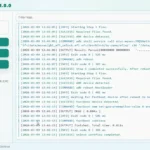
The Halabtech FRP Tool has been updated to support the latest Android 16 security patches for Samsung devices. If you are looking for a tool that works “same as SamFw type” (using the MTP Test Mode *#0*# exploit), Halabtech is now a powerful alternative. It allows you to enable ADB and remove the Google Account Lock with a single click, without needing a test point or paid credits.
Halabtech Tool File Details
Below are the technical details for the latest version of the Halabtech Tool.
| Attribute | Details |
| File Name: | Halabtech_Tool_v1.0_Android16_Update.zip |
| Tool Name: | Halabtech FRP Tool |
| Version: | v1.0 (Build 2025/2026) |
| Developer: | Halabtech Team |
| File Size: | Approx. 41 MB |
| Key Feature: | Samsung FRP Android 16 (One Click) |
| Method: | MTP Mode (*#0*#) – Same as SamFw |
| License: | Freeware |
Key Features: Android 16 Support
The main highlight of this update is the ability to handle the new 2024-2025 security structures found in Android 16.
- One Click FRP Reset: Just like SamFw, it uses the
*#0*#menu to enable ADB. - Android 16 Compatibility: Updated exploits to bypass the latest security patches that block standard ADB enabling.
- MTP Mode Only: No need to open the back cover or use a Test Point.
- Universal Support: Works on Samsung S24, S23, A55, A35, and other models running Android 16.
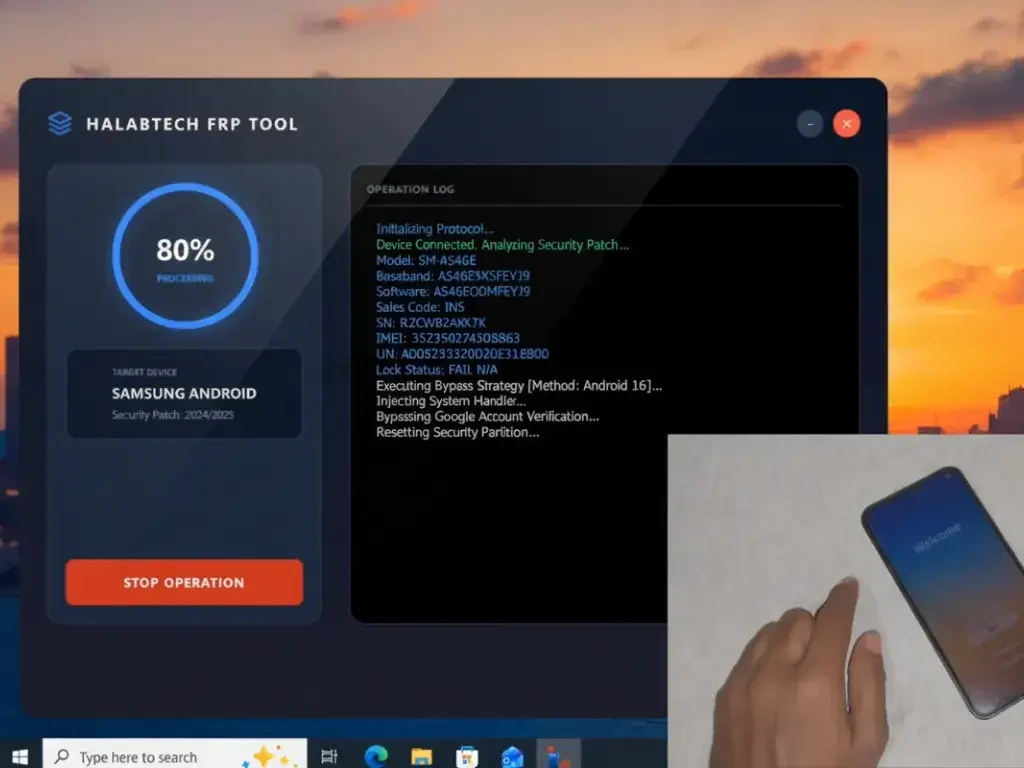
How to Use Halabtech Tool for Android 16 FRP
- Download & Extract: Download the Halabtech Tool zip file and extract it to your PC.
- Run as Admin: Open the
HalabtechTool.exeas Administrator. - Connect Device: Connect your Samsung phone (Android 16) to the PC via USB.
- Enter Test Mode: On the phone’s “Welcome” screen, tap Emergency Call and dial
*#0*#. Ensure the diagnostic screen appears. - Select Method: In the tool, go to the Samsung tab and click “Remove FRP (Android 16 / New Security)”.
- Allow Debugging: Watch your phone screen. When the “Allow USB Debugging” popup appears, check “Always allow” and tap Allow.
- Done: The tool will automatically reset the FRP lock and reboot your device.
Conclusion
If SamFw Tool is giving you errors or failing to enable ADB on Android 16, the Halabtech Tool is the perfect backup. It uses the same efficient MTP method to get the job done quickly and for free.
Easy Installation
Simple setup process with clear instructions
Safe & Secure
Scanned and verified free from malware
Fast Download
Multiple mirror servers for fastest download speeds
Minimum Requirements
Recommended
- Latest version with all current features
- Bug fixes and performance improvements
- Security updates and patches
- Compatibility improvements
Rate & Review This Software
User Reviews
No reviews yet. Be the first to review!
About the Author / Developer
📱 Related Apps You May Like






Download Mirror Options
Choose your preferred download server:
How to Install
- Click the Download button above
- Wait for download to complete
- Run the installer file (.exe)
- Follow the installation wizard
- Launch the application
How to Extract (ZIP/RAR)
- Download and install WinRAR or 7-Zip
- Multi-part archives: Download all parts (.part1.rar, .part2.rar) into the same folder
- Right-click on any one part (usually .part1.rar)
- Select "Extract Here" or "Extract to folder"
- Tool will auto-extract all parts



Nice