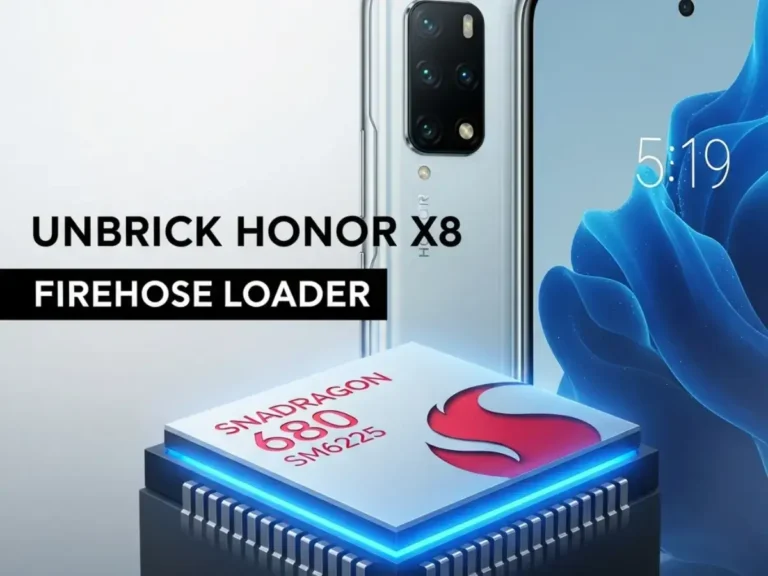
Honor X8 (TFY-LX1/LX2/LX3) Firehose Loader (SM6225) – FRP & Dead Boot Repair

Security Status: SAFE
Scanned by 65+ antivirus engines • No threats detected
Screenshots & Preview
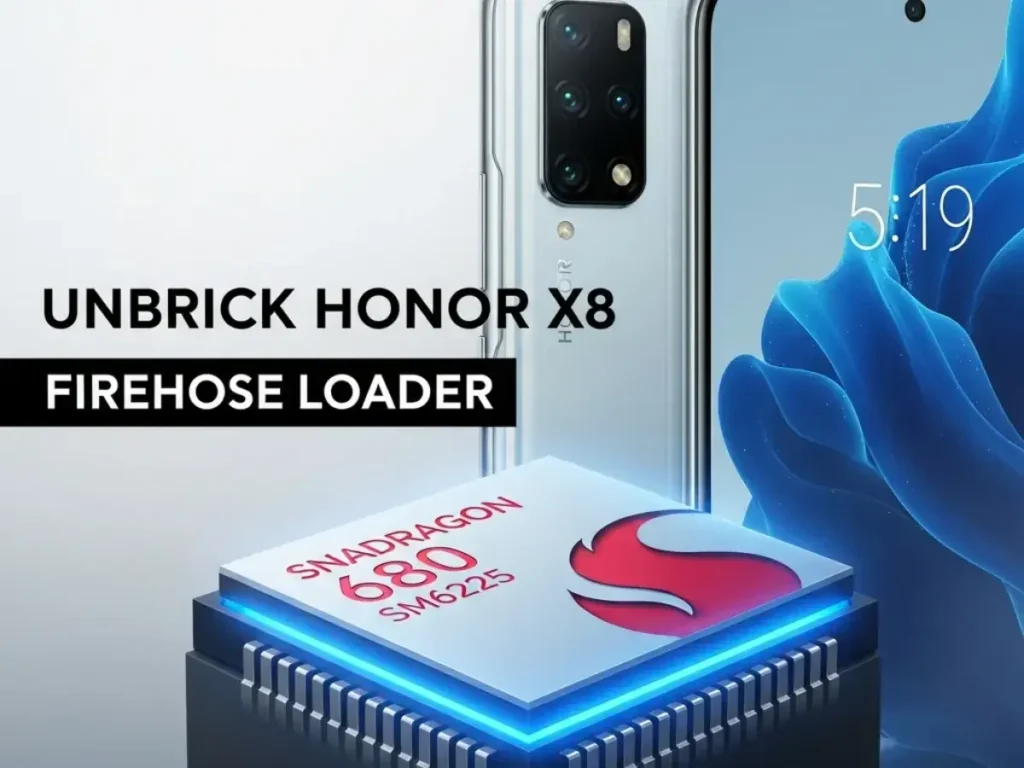
Click on images to view full size (1 images)
Revive your Honor X8. Download the official Firehose Loader for models TFY-LX1, TFY-LX2, and TFY-LX3. This Snapdragon 680 (SM6225) programmer fixes dead boot and resets FRP via EDL mode.
The Honor X8 (Models: TFY-LX1, TFY-LX2, TFY-LX3) is a popular mid-range device powered by the Qualcomm Snapdragon 680 (SM6225). While reliable, incorrect flashing, bad OTA updates, or attempting to downgrade can lead to a “Hard Brick.” In this state, the phone shows no display and is only detected by the PC as Qualcomm HS-USB QDLoader 9008. To revive it or remove FRP lock, you need the specific Firehose Loader (Programmer) file tailored for the SM6225 platform.
File Information & Specs
| File Name | prog_firehose_ddr_honor_x8_sm6225.elf |
| Device Name | Honor X8 |
| Model Variants | TFY-LX1, TFY-LX2, TFY-LX3 |
| Chipset | Snapdragon 680 (SM6225) |
| File Type | EDL Loader / Firehose Programmer |
| Function | Unbrick, FRP Reset, Huawei ID Remove, Flash Firmware |
| Connection Mode | EDL Mode (9008) via Test Point |
Supported Tools
Honor devices with Qualcomm chipsets often require specific handshakes. It is recommended to use professional service tools that support the SM6225 protocol:
- UnlockTool (Highly Recommended – Select ‘Honor X8’ directly)
- Chimera Tool
- UMT (Ultimate Multi Tool) – QcFire
- Hydra Tool
- DFT Pro
- QFIL / QPST (May require manual XML configuration)
How to Use Firehose Loader
- Disassemble Device: The Honor X8 requires Test Point access. Carefully remove the back cover to expose the motherboard.
- Install Drivers: Ensure the Qualcomm HS-USB QDLoader 9008 driver is installed on your PC.
- Short Test Points: Locate the EDL Test Points (usually near the battery connector). Short them with tweezers and connect the USB cable.
- Open Tool: Launch your preferred tool (e.g., UnlockTool).
- Load Loader: Select the custom
prog_firehose_ddr.elffile if the tool does not auto-detect the Honor X8 server. - Execute Repair: Click Erase FRP or Flash to revive the device.
⚠️ DISCLAIMER:
The Honor X8 (TFY-LX Series) has multiple security patches. Ensure you are using the correct loader for your specific Android version. Flashing the wrong files can permanently damage the device partitions. Always backup NVRAM/EFS if possible before erasing.
Easy Installation
Simple setup process with clear instructions
Safe & Secure
Scanned and verified free from malware
Fast Download
Multiple mirror servers for fastest download speeds
Minimum Requirements
Recommended
- Latest version with all current features
- Bug fixes and performance improvements
- Security updates and patches
- Compatibility improvements
Rate & Review This Software
User Reviews
No reviews yet. Be the first to review!
About the Author / Developer
📱 Related Apps You May Like


Download Mirror Options
Choose your preferred download server:
How to Install
- Click the Download button above
- Wait for download to complete
- Run the installer file (.exe)
- Follow the installation wizard
- Launch the application
How to Extract (ZIP/RAR)
- Download and install WinRAR or 7-Zip
- Multi-part archives: Download all parts (.part1.rar, .part2.rar) into the same folder
- Right-click on any one part (usually .part1.rar)
- Select "Extract Here" or "Extract to folder"
- Tool will auto-extract all parts