Oppo A1K New Security Unlock: Custom Preloader & Scatter File (No Auth)

Security Status: SAFE
Scanned by 65+ antivirus engines • No threats detected
Screenshots & Preview
Click on images to view full size (1 images)
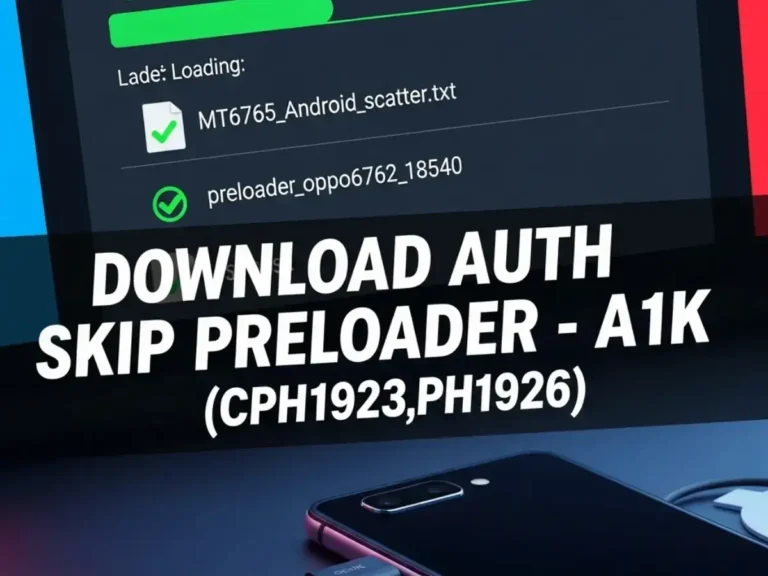
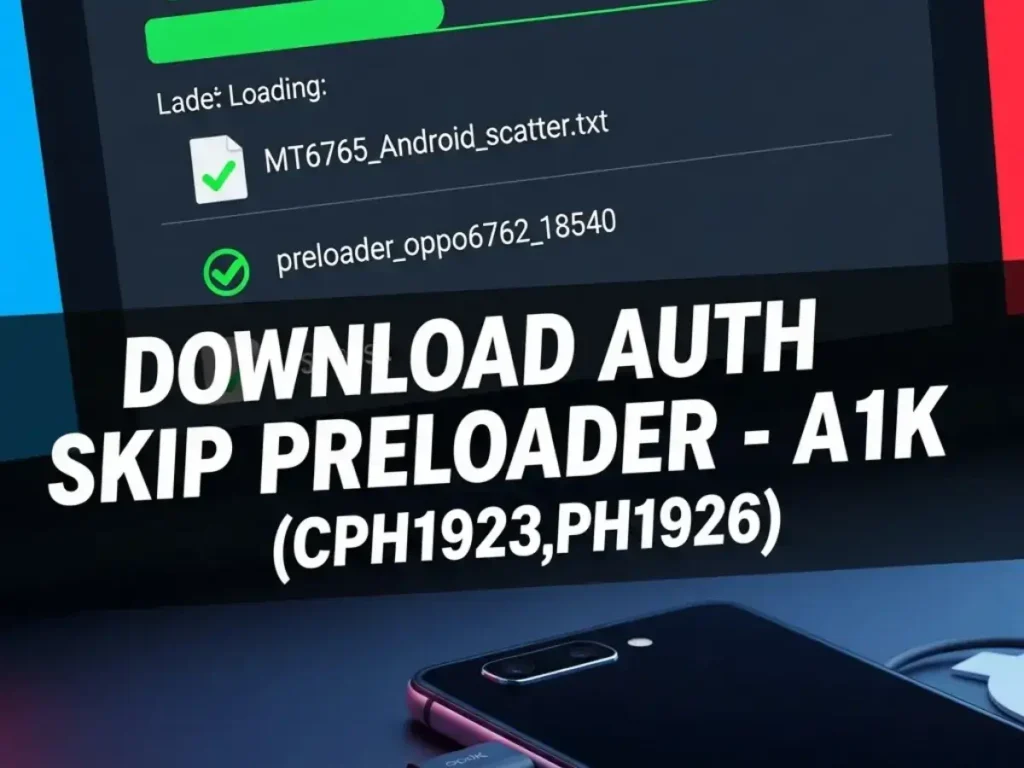
Download the latest Oppo A1K (CPH1923, CPH1926) scatter firmware package designed for New Security patches. This file includes the specific preloader_oppo6762_18540.bin to fix dead boot issues and bypass authentication (Auth Skip) using modern MTK tools.
File Information & Specs
| File Name | A1K (CPH1923,CPH1926) Skip Auth, New Security.rar |
| Device Name | Oppo A1K (CPH1923, CPH1926) |
| CPU Type | MediaTek MT6765 (Helio P35) |
| File Type | Scatter File & Preloader (Custom Auth Skip) |
| File Size | 300 KB |
| Security Patch | New Security (Auth Bypass Supported) |
| Operations Supported | FRP Unlock, Pattern Reset, Dead Boot Repair |
| Driver Required | MediaTek Preloader / VCOM USB Drivers |
Supported Flashing & Unlock Tools
- UnlockTool (Recommended for instant Auth Bypass)
- DFT Pro (Direct Firmware Tool)
- UMT Pro (Ultimate Multi Tool – MTK Module)
- CM2 (Infinity Chinese Miracle 2MT2)
- EFT Pro (Easy Firmware Team)
- EMT Tool (Eme Mobile Tool)
- TFT Unlocker (Free/Premium Modules)
- TSM Tool
- FRT Tool
- EME Mobile Tool
How to Safe Format Oppo A1K (Keep Data)
One of the most requested features for the Oppo A1K is the ability to remove the screen lock (Pattern, Pin, or Password) without losing important user data like photos, videos, and contacts. Using the TFT MTK Module, DFT Pro, or UnlockTool with our Scatter file, you can perform a “Safe Format.” Here is how to do it:
⚠️ DISCLAIMER: Risk of Data Loss
While the “Safe Format” method is designed to preserve user data, success depends on the device’s Android version and encryption state. If the device is running a very new security patch or has corrupted storage, this process might fail or result in a boot loop, requiring a full factory reset. Always warn the device owner that data loss is possible. We are not responsible for any lost data or bricked devices.
Easy Installation
Simple setup process with clear instructions
Safe & Secure
Scanned and verified free from malware
Fast Download
Multiple mirror servers for fastest download speeds
Minimum Requirements
Recommended
- Latest version with all current features
- Bug fixes and performance improvements
- Security updates and patches
- Compatibility improvements
Rate & Review This Software
User Reviews
No reviews yet. Be the first to review!
About the Author / Developer
📱 Related Apps You May Like




Download Mirror Options
Choose your preferred download server:
How to Install
- Click the Download button above
- Wait for download to complete
- Run the installer file (.exe)
- Follow the installation wizard
- Launch the application
How to Extract (ZIP/RAR)
- Download and install WinRAR or 7-Zip
- Multi-part archives: Download all parts (.part1.rar, .part2.rar) into the same folder
- Right-click on any one part (usually .part1.rar)
- Select "Extract Here" or "Extract to folder"
- Tool will auto-extract all parts