TFT Tool: Xiaomi Mi4i EDL Mode Unlock Tutorial

Security Status: SAFE
Scanned by 65+ antivirus engines • No threats detected
Screenshots & Preview
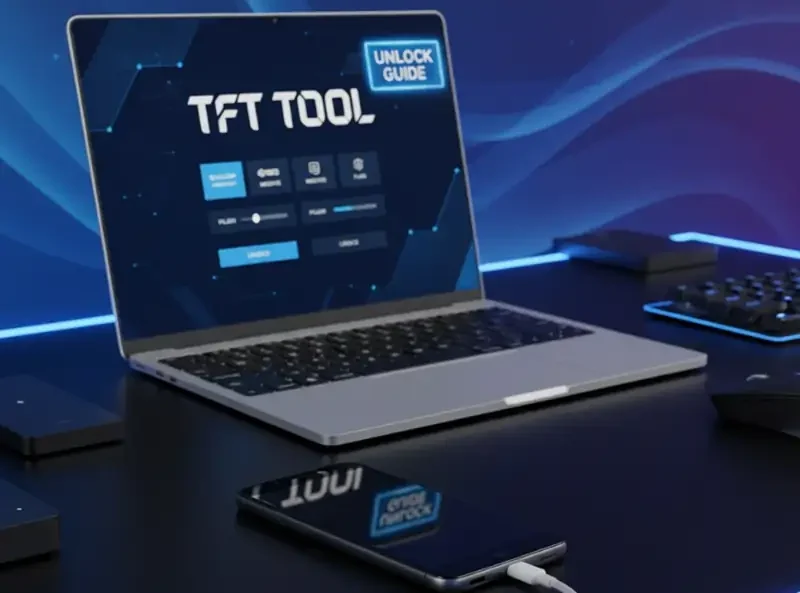
Click on images to view full size (1 images)
| File Name: | TFT Tool: Xiaomi Mi4i EDL Mode Unlock Tutorial |
|---|---|
| Version: | MIUI 12.5 and 13 |
| Status: | 100% Tested |
| File Size: | 2 MB |
| Compatible OS: | Windows 7, 8, 10, 11 (32-bit & 64-bit) |
Complete guide to unlocking Xiaomi Mi4i using Official TFT Unlock Tool. Learn EDL mode activation, FRP bypass, bootloader unlocking, and Mi Cloud removal. Step-by-step instructions with test point diagrams, driver installation, and troubleshooting tips for successful device modification
Complete Guide to Xiaomi Mi4i EDL Mode Unlocking with Official TFT Tool
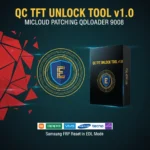
Unlock your Xiaomi Mi4i’s full potential with the Official TFT Unlock Tool. This guideline covers FRP removal, bootloader unlocking, and Mi Cloud disabling through EDL mode – the most reliable method for Xiaomi device modifications.
Supported Security Operations in TFT Unlock Tool
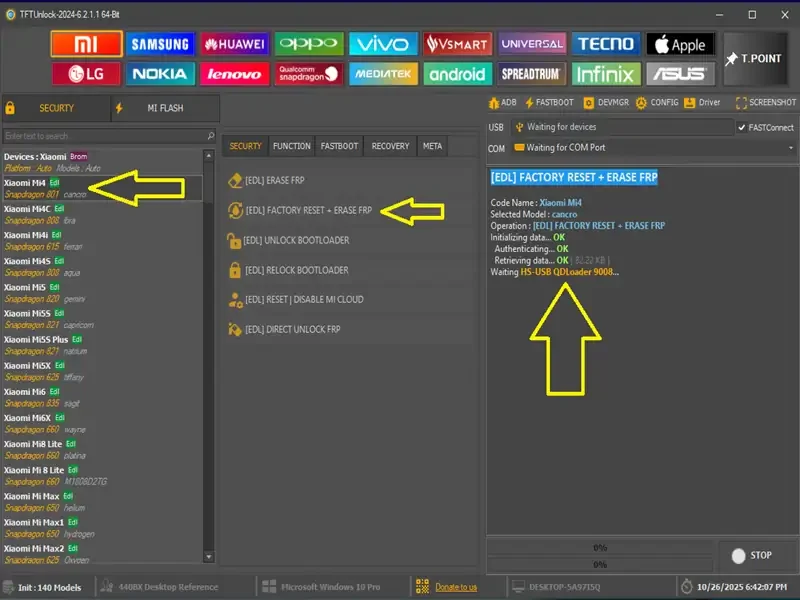
EDL Mode Security Features
- EDL FRP Erase – Complete Google account bypass
- Factory Reset with FRP Removal – Clean device restoration
- Bootloader Relock – Restore device security
- Mi Cloud Reset/Disable – Remove Xiaomi account locks
Fastboot Mode Operations
- Device Information Reading
- FRP Erase via Fastboot
- Mi Cloud Account Reset
- Complete Factory Reset
- Bootloader Unlock/Relock
- EDL Mode Switching
- EFS Partition Reset
Authentication Server Options
The TFT Tool provides two authentication methods for EDL reboot: Token ID authentication and Server2 alternative authentication for maximum compatibility.
Step-by-Step Xiaomi Mi4i Unlocking Process
Step 1: Install Required Drivers
Begin by installing the TFT USB Driver Installer package. This ensures proper communication between your computer and the Xiaomi Mi4i device during the unlocking process.
Step 2: Download Essential Files
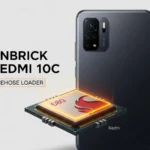
Download the Xiaomi Mi4i EDL Test Point file and Auth Skip Firehose Loader. These files are crucial for bypassing authentication and establishing EDL mode connection.
Step 3: Enable EDL Mode
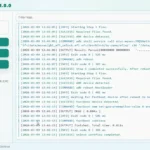
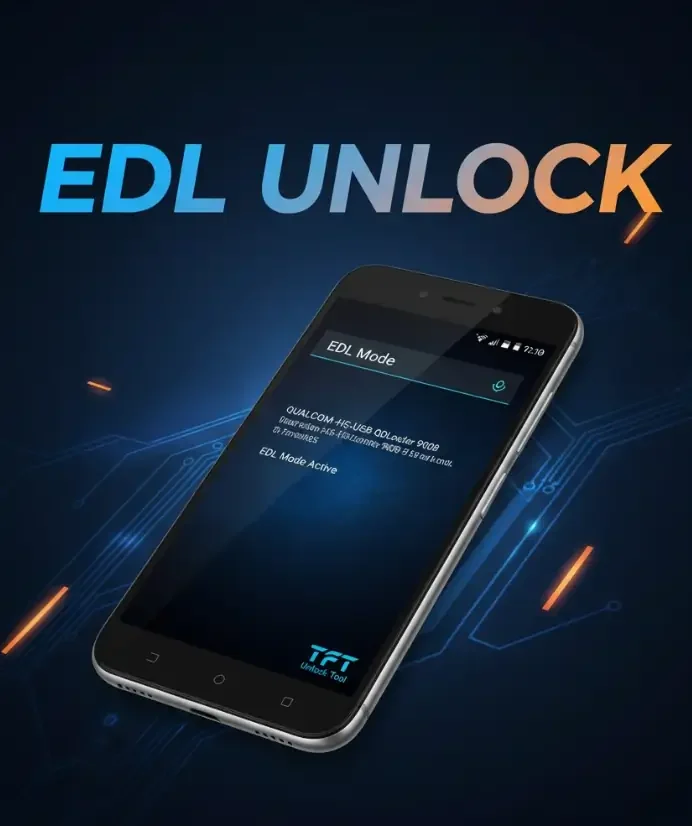
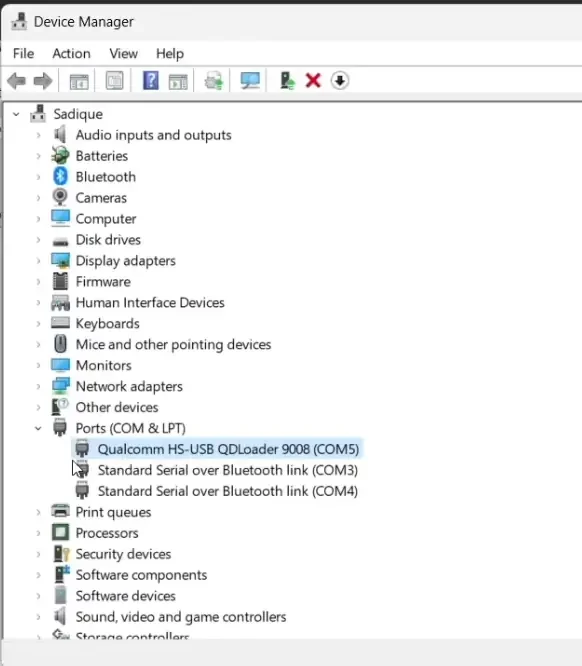
Using precision tweezers, carefully short the test points on your Mi4i motherboard. While maintaining the short circuit, connect the USB cable to enter EDL mode. Your device should now be recognized by the TFT Tool. and also view device manager and see devices is connected Qualcomm Mode
Step 4: Operations Process to Reset Unlocking
Select your required operation from the TFT Tool interface – whether it’s FRP erase, factory reset with FRP removal, bootloader operations, or Mi Cloud account reset. The tool supports both EDL and Fastboot modes for maximum flexibility.
Important Considerations and Tips
Always backup your data before performing any unlocking operations. Ensure your device battery is charged above 50% to prevent interruptions. Use quality USB cables for stable connections during the EDL process.
Troubleshooting Common Issues
If your device isn’t detected in EDL mode, verify driver installation and test point connection. and also download TFT BCD Edit Tool and enable windows USB Signature Disable and Enabler For authentication failures, try the alternative Server2 option. Ensure you’re using the latest version of TFT Unlock Tool for optimal compatibility.
if you need remote help for your device unlock contact admin without any hassle is contact support
Easy Installation
Simple setup process with clear instructions
Safe & Secure
Scanned and verified free from malware
Fast Download
Multiple mirror servers for fastest download speeds
Minimum Requirements
Recommended
- Latest version with all current features
- Bug fixes and performance improvements
- Security updates and patches
- Compatibility improvements
Rate & Review This Software
User Reviews
No reviews yet. Be the first to review!
About the Author / Developer
📱 Related Apps You May Like









🛒 Purchase / Get Access
Download Mirror Options
Choose your preferred download server:
How to Install
- Click the Download button above
- Wait for download to complete
- Run the installer file (.exe)
- Follow the installation wizard
- Launch the application
How to Extract (ZIP/RAR)
- Download and install WinRAR or 7-Zip
- Multi-part archives: Download all parts (.part1.rar, .part2.rar) into the same folder
- Right-click on any one part (usually .part1.rar)
- Select "Extract Here" or "Extract to folder"
- Tool will auto-extract all parts