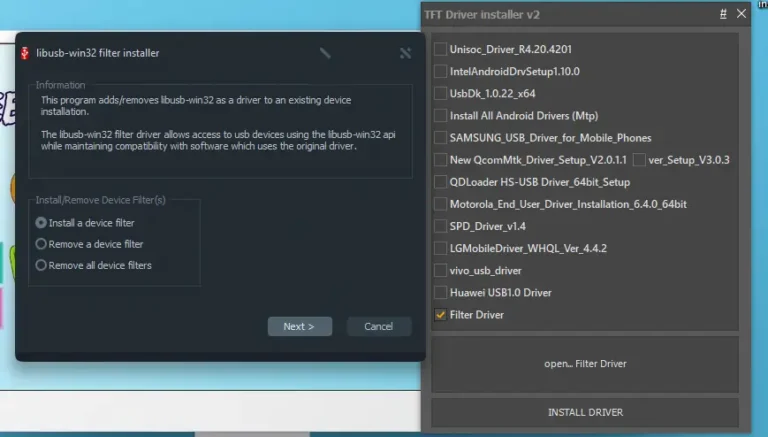
TFT USB Driver Installer v2.0 (All-In-One-Driver) – Latest 2025 Update
FREE
1,137 downloads
Windows

Published byIQ Team
Verified Publisher
Security Status: SAFE
Scanned by 65+ antivirus engines • No threats detected
Screenshots & Preview
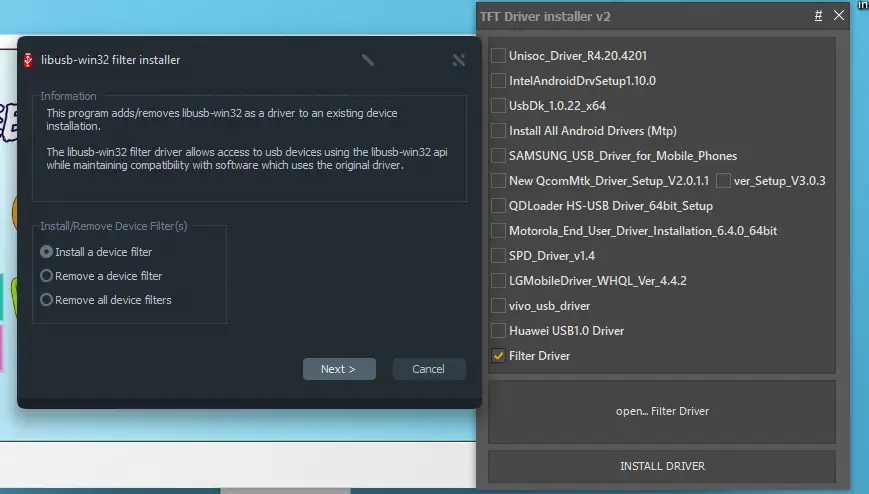
Click on images to view full size (1 images)
| File Name: | TFT USB Driver Installer (All-In-One-Driver) – Latest 2025 Update |
|---|---|
| Version: | ALL IN ONE USB DRIVER |
| Status: | 100% Tested |
| File Size: | 142 MB |
| Compatible OS: | Windows 7, 8, 10, 11 (32-bit & 64-bit) |
latest TFT Driver Installer 2025, all-in-one USB driver solution supporting Samsung, Intel, Motorola, and more. Easily connect and manage mobile devices, fix recognition issues,
Key Features of TFT Driver Installer 2025
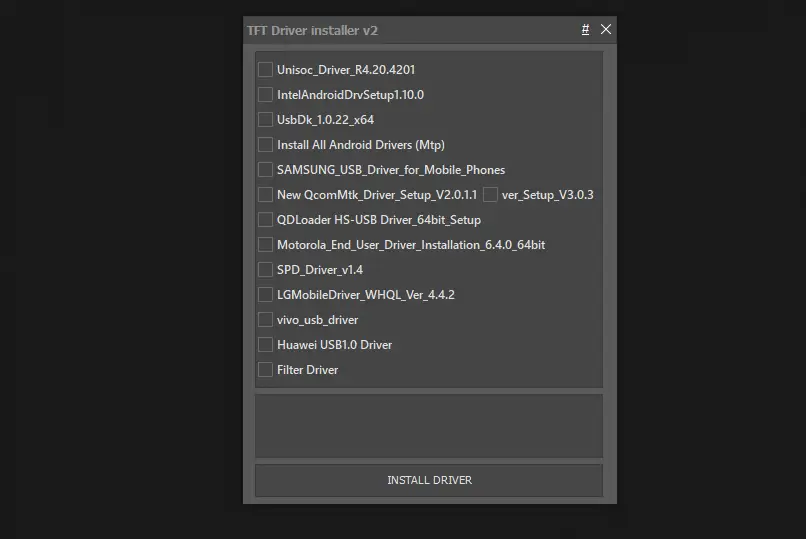
- Unified Interface: A single application to manage multiple device drivers
- libusb-win32 Integration: Advanced USB device access while maintaining compatibility
- Filter Driver Support: Install, remove, or manage device filters with ease
- Extensive Device Compatibility: Support for major manufacturers including Samsung, Intel, Motorola, LG, Huawei, and more
- 64-bit Support: Optimized for modern Windows operating systems
- Simple Installation Process: User-friendly wizard for quick driver setup
Why You Need TFT Driver Installer
- Android device development and debugging
- Custom firmware flashing
- USB device testing and development
- Recovering bricked or unresponsive mobile devices
- Working with specialized hardware that requires specific drivers
How to Use TFT Driver Installer
- Step 1 Get TFT BCD Edit Tool
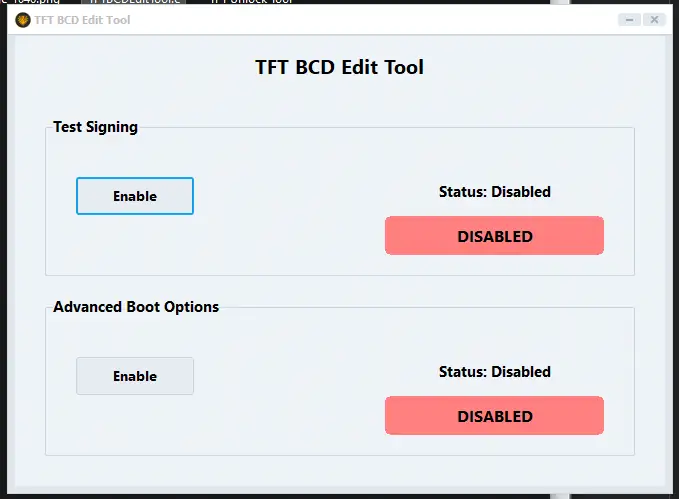
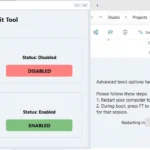
Step 2 Open TFT BCD Edit Tool and Enable Windows USB Driver Signature
1. Installation Process
- Extract the latest TFT Driver Installer v2 (2025 edition)
- Run the installer with administrator privileges
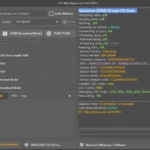
- The main interface will display the libusb-win32 filter installer first
2. Selecting the Right Drivers
The driver selection panel offers multiple options depending on your needs:
- Filter Driver: Basic USB device access (recommended for most users)
- Manufacturer-Specific Drivers: Choose from Samsung, Motorola, LG, Huawei, etc.
- Protocol Drivers: QDLoader, SPD Driver, UsbDk drivers for specialized connections
3. Using the libusb-win32 Filter Driver
The libusb-win32 filter driver is a core component that:
- Allows access to USB devices using the libusb-win32 API
- Maintains compatibility with software that uses the original driver
- Can be applied to specific devices or all connected devices
Choose from three options:
- Install a device filter
- Remove a device filter
- Remove all device filters
4. Troubleshooting Common Issues
- Ensure you’ve selected the correct driver for your device
- Try disconnecting and reconnecting your device
- For Android devices, enable USB debugging in developer options
- Check if your device requires specific drivers not included in the package
What’s New in the 2025 Version
- Updated driver compatibility for Windows 11 22H2 and newer
- Added support for newer Android 14 and 15 devices
- Improved QcomMtk driver setup (version V2.0.1.1)
- Enhanced UsbDk 1.0.22 x64 implementation
- Streamlined interface for easier navigation
- Reduced installation time and system resource usage
System Requirements
- Windows 10/11 (32-bit or 64-bit)
- 50MB free disk space
- Administrator privileges for installation
- USB 2.0 or USB 3.0 port
- Internet connection (for optional driver updates)
Easy Installation
Simple setup process with clear instructions
Safe & Secure
Scanned and verified free from malware
Fast Download
Multiple mirror servers for fastest download speeds
Minimum Requirements
Operating SystemWindows 7 / Android 5.0
Processor1 GHz
RAM512 MB
Storage100 MB free space
Recommended
Operating SystemWindows 10/11 / Android 10+
Processor2 GHz Dual Core
RAM2 GB
Storage500 MB free space
vALL IN ONE USB DRIVERMarch 22, 2025Latest
- Latest version with all current features
- Bug fixes and performance improvements
- Security updates and patches
- Compatibility improvements
4.9
8 reviews
Rate & Review This Software
User Reviews
No reviews yet. Be the first to review!
About the Author / Developer
📱 Related Apps You May Like

Download Mirror Options
Choose your preferred download server:
All mirrors are virus scanned & verified
How to Install
- Click the Download button above
- Wait for download to complete
- Run the installer file (.exe)
- Follow the installation wizard
- Launch the application
How to Extract (ZIP/RAR)
- Download and install WinRAR or 7-Zip
- Multi-part archives: Download all parts (.part1.rar, .part2.rar) into the same folder
- Right-click on any one part (usually .part1.rar)
- Select "Extract Here" or "Extract to folder"
- Tool will auto-extract all parts