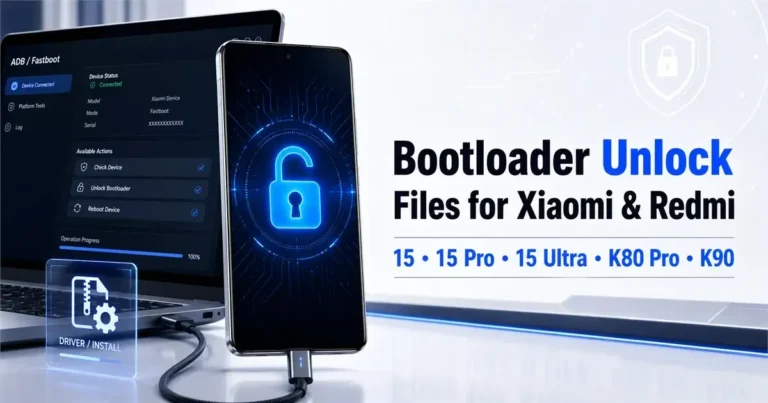
Xiaomi 15, 15 Pro, 15 Ultra, Redmi K80 Pro/K90 Bootloader Unlock Files

Security Status: SAFE
Scanned by 65+ antivirus engines • No threats detected
Screenshots & Preview
Click on images to view full size (1 images)
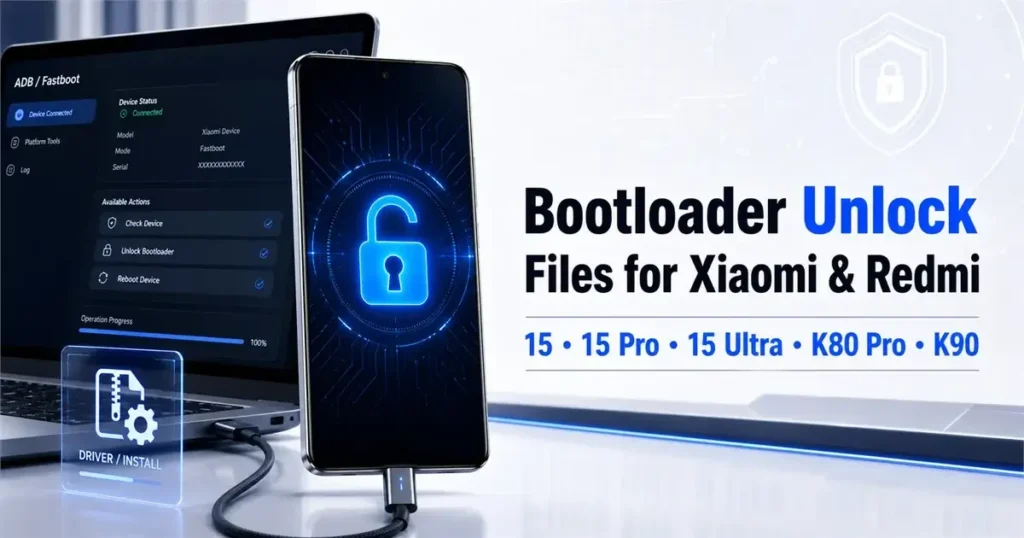
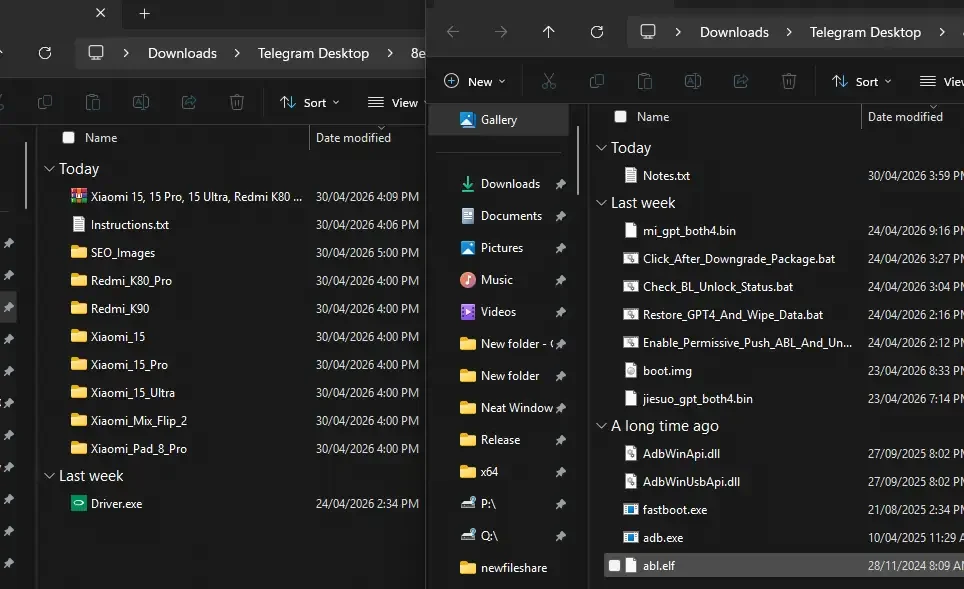
Download English bootloader unlock files for Xiaomi 15, Xiaomi 15 Pro, Xiaomi 15 Ultra, Xiaomi Mix Flip 2, Xiaomi Pad 8 Pro, Redmi K80 Pro, and Redmi K90. Includes ADB, Fastboot, driver, downgrade package, and model-specific unlock scripts.
—————– Models —————-
Xiaomi 15 (tested; requires flashing the downgrade package before unlocking)
Xiaomi 15 Pro (tested; does not require flashing the downgrade package before unlocking)
Xiaomi 15 Ultra (tested; does not require flashing the downgrade package before unlocking)
Redmi K80 Pro (tested; does not require flashing the downgrade package before unlocking)
Redmi K90 (tested; does not require flashing the downgrade package before unlocking)
Xiaomi Mix Flip 2 (tested; does not require flashing the downgrade package before unlocking)
Xiaomi Pad 8 Pro (tested; does not require flashing the downgrade package before unlocking)
—————- Preparation —————-
- Enable USB debugging and OEM unlocking on the phone.
How to enable Developer options:
Settings > About phone > tap MIUI/OS version 7 times > enable Developer options
Settings > My device > All specs > tap MIUI/OS version 7 times > enable Developer options - The folder contains “Driver.exe”. Install it first.
- Xiaomi 15 must be used after flashing the downgrade package. The downgrade package is already inside the Xiaomi 15 folder.
—————- Usage —————-
- Download the tool.
Link: tool link - Download it and extract it to a folder. Note: do not use spaces or special characters in the folder path.
- Open the folder for the model you want to unlock.
- Run Enable_Permissive_Push_ABL_And_Unlock.bat.
- Wait for the script to finish. The phone may enter a glitched-screen state. Wait 10 seconds, then manually reboot to bootloader by holding Volume Down + Power.
Check the BL unlock status:
Run this command:
fastboot getvar unlocked
If it shows:
unlocked: yes
The bootloader unlock succeeded.
- Run Restore_GPT4_And_Wipe_Data.bat, then wait for the phone to boot.
Easy Installation
Simple setup process with clear instructions
Safe & Secure
Scanned and verified free from malware
Fast Download
Multiple mirror servers for fastest download speeds
Minimum Requirements
Recommended
- Latest version with all current features
- Bug fixes and performance improvements
- Security updates and patches
- Compatibility improvements
Rate & Review This Software
User Reviews
No reviews yet. Be the first to review!
About the Author / Developer
📱 Related Apps You May Like






Download Mirror Options
Choose your preferred download server:
How to Install
- Click the Download button above
- Wait for download to complete
- Run the installer file (.exe)
- Follow the installation wizard
- Launch the application
How to Extract (ZIP/RAR)
- Download and install WinRAR or 7-Zip
- Multi-part archives: Download all parts (.part1.rar, .part2.rar) into the same folder
- Right-click on any one part (usually .part1.rar)
- Select "Extract Here" or "Extract to folder"
- Tool will auto-extract all parts